Stay Ahead with Oriyent Subscribe to Our Newsletter
Get insights, feature updates, and real-world use cases from teams using Oriyent to transform their field operations. Learn how others are streamlining inspections, managing assets, and driving productivity through spatial data. We respect your inbox. No spam—ever. Unsubscribe anytime.
Subscribe Now

What You Can Run on Oriyent
From safety and inspections to asset registers and GIS workflows, Oriyent supports the full range of field operations.
Health & Safety
- Incident reports & investigations
- Hazard reporting & job hazard analysis (JHA)
- Method statements (RAMS / SWMS)
- Permit to work & permit management
- Lockout tagout (LOTO)
- Fatigue management & lone worker safety
- Health & safety audits & reporting
- Pre-starts & toolbox talks
- Contactless signoff & site inductions
Asset & GIS Workflows
- Asset registers linked to map locations
- Asbestos and compliance registers
- Location-based inspections and audits
- QR-coded asset tracking and access
- Maintenance and service histories by asset
- Spatial defect and issue tracking
- Map-based task assignment and workflows
- GIS-linked reporting and data capture
Quality Management
- Inspection test plans (ITP)
- Defect management & punch lists
- Factory & site acceptance tests (FAT / SAT)
- Hold point inspections
- Non-conformance reports (NCR)
- Requests for information (RFI)
- Corrective action tracking
- Quality plans & reporting
Operations & Field Workflows
- Audits, permits, and impact assessments
- Planning and risk assessments
- Waste tracking and environmental reporting
- Site attendance registers
- Work orders and task tracking
- Recurring inspections and checklists
Commercial & Project Controls
- Site diaries and daily reports
- Change orders and back charges
- Extension of time (EOT)
- Meeting minutes and site instructions
- Risk registers and scope of works (SOW)
Finance & Procurement
- Timesheets and daywork sheets
- Purchase orders and quotations
- Docket and delivery tracking
- Time & materials reporting
Production & Progress Tracking
- Production rate reports
- Progress tracking by location
- Quantity tracking
- Shift reports
Geotechnical & Survey
- Drilling logs and field survey reports
- Site investigations and engineering reports
- Geotech and survey requests
- GIS-linked survey data capture
Built for Real-World Field Operations
Oriyent is designed for industries that manage inspections, assets, locations, and field workflows at scale. From infrastructure projects to distributed asset networks, the need for better visibility, structured data capture, and map-based operations is already here.
A clear market need already exists
Teams across construction, utilities, mining, energy, and infrastructure are still managing critical field workflows through spreadsheets, paper forms, disconnected apps, and manual reporting. Oriyent is built to give those teams a better way to run operations through one map-based system.
How Oriyent Works
Streamline Field Inspections and Asset Tracking with GIS-Integrated Workflows

Step 1: Create Custom Inspection Templates
Design smart, reusable forms to standardize inspections, audits, and asset reporting across your team.
- Drag-and-drop field data collection templates for any workflow
- Add checkboxes, dropdowns, file uploads, GPS-tagged fields & more
- Connect templates to specific map layers or asset types
- Preview forms on mobile before deployment
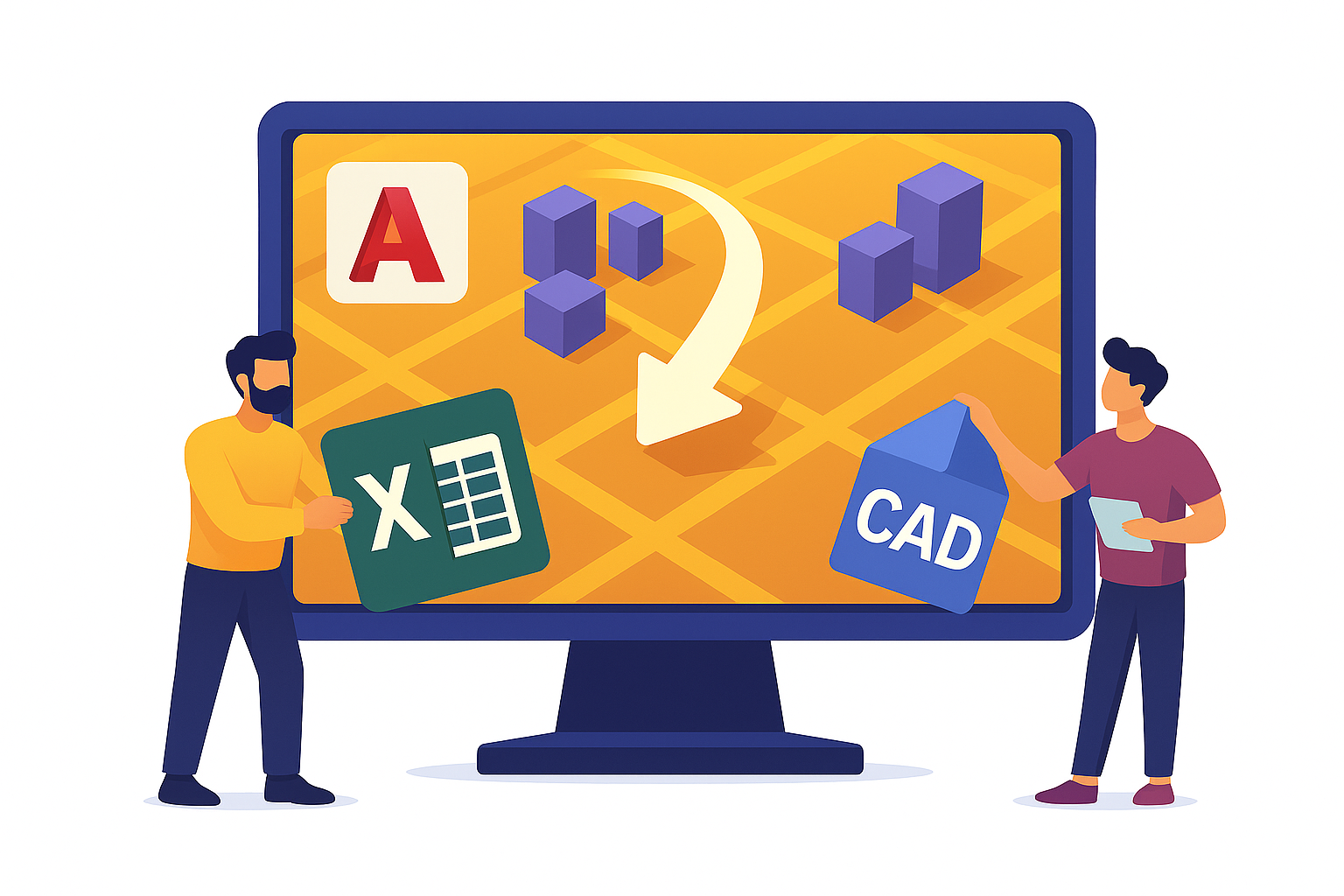
Step 2: Import Asset Registers or Spatial Data
Easily upload your existing datasets to jumpstart digital transformation.
- Import asset registers from Excel or CSV
- Overlay CAD and KML files onto interactive GIS maps
- Convert map features into database records
- Generate QR codes for asset tracking

Step 3: Assign Forms to Assets or Locations
Link inspection forms to physical infrastructure, data groups, or custom geographies.
- Assign forms individually or in bulk
- Set up recurring inspections and due dates
- Enable filtered views by asset type, project, or region

Step 4: Capture Field Data with Mobile Devices
Empower field teams to work efficiently—online or offline.
- Access and complete forms on iOS or Android devices
- Scan QR codes to pull up location-linked data instantly
- Upload photos, videos, and location-tagged notes
- Sync data automatically when back online

Step 5: Visualize Project Progress with Interactive GIS Maps
Get a real-time view of inspections, assets, and task status—all on a color-coded map interface.
- View project data and form statuses spatially
- Filter by region, user, form type, or completion status
- Spot gaps, delays, or incomplete records with ease
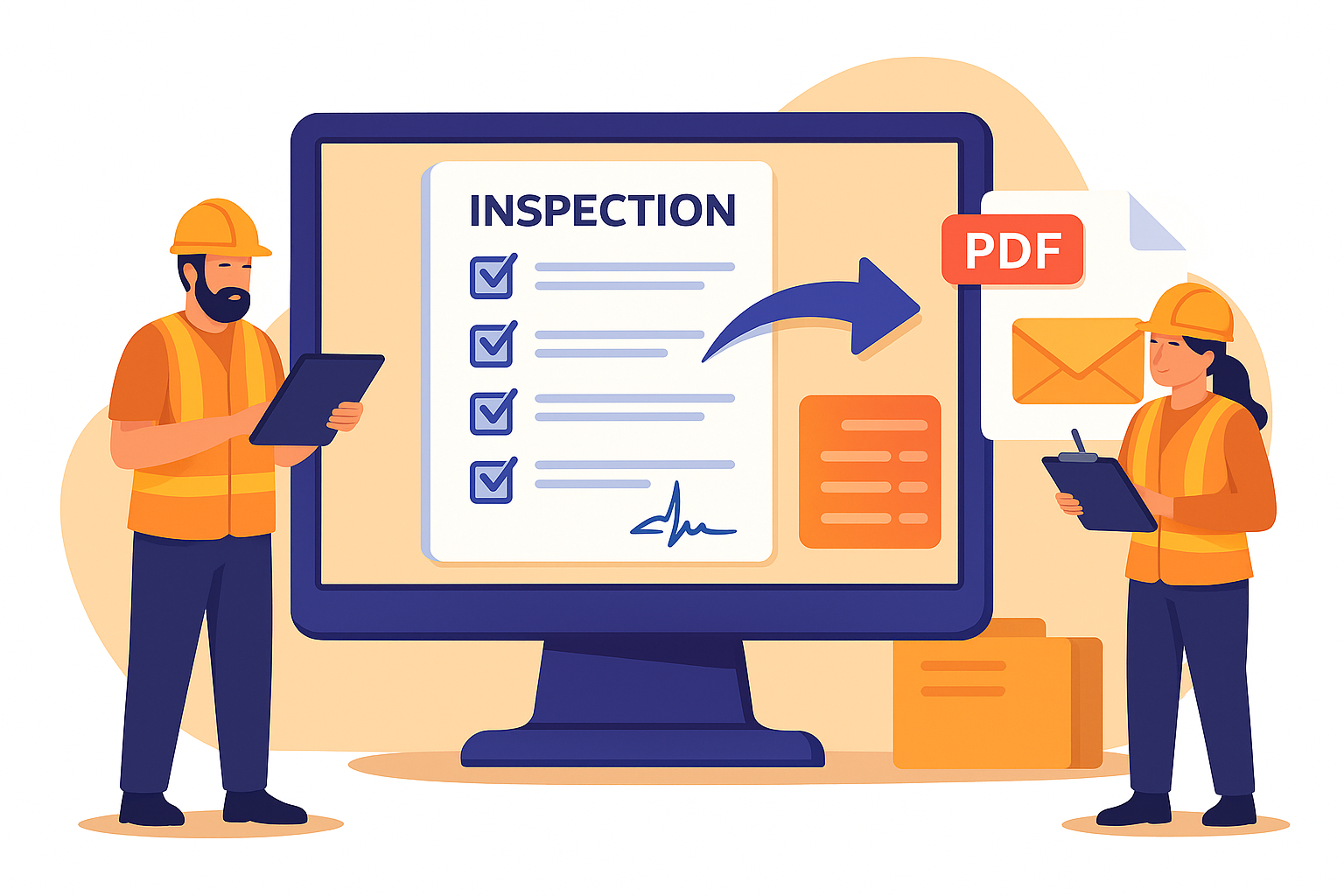
Step 6: Export Reports and Sync Results
Deliver polished, professional documentation—automatically.
- Generate PDF inspection reports by location, date, or user
- Email results to stakeholders or sync with your cloud storage
- Archive forms by project, form status, or inspection cycle